
Pool Shoot Tournament
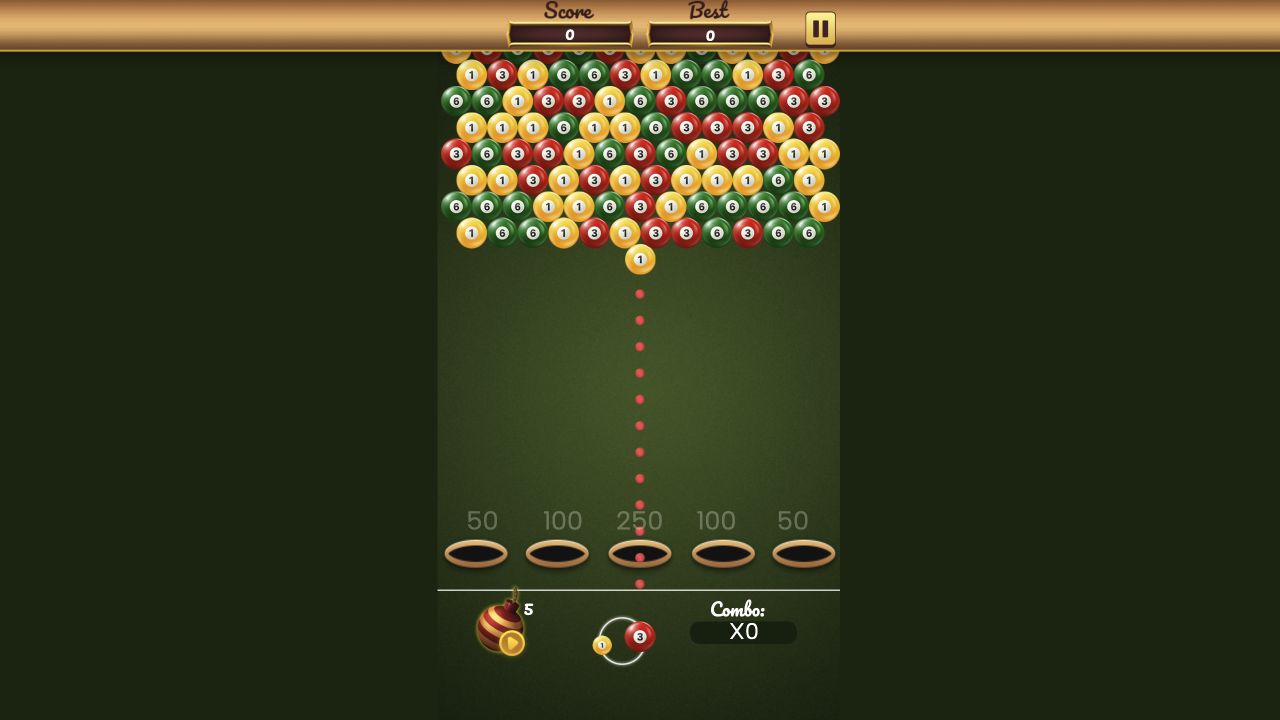
The live table combines bubble-shooter aiming with numbered balls: five pocket values, a dotted guide, five bombs, and a score that stayed at zero after our first shot setup.
Pool Shoot Tournament
Hands-on evidence
What we verified in the browser
Tested August 13, 2026 · Desktop (macOS) · Codex in-app Chromium 151.0.7922.76 · 1280×720
Inputs used
- Close the preroll
- Click the table to fire toward the center
Observed result
- The active table mixed red, green, and yellow numbered balls.
- Pocket values read 50, 100, 250, 100, and 50 across the top.
- The first click changed the current aiming state while score stayed 0 and bombs stayed at 5.
Scope note: only the observations above are our hands-on findings. Developer, device, release, and broader feature details elsewhere on this page come from the game publisher's catalog metadata unless explicitly labelled as tested.
This is not a standard pool rack
The opening table contained red, green and yellow numbered balls arranged across a bright field. Five pockets along the top carried values of 50, 100, 250, 100 and 50. A dotted guide rose from the current ball toward the 250-point center pocket.
The layout reads more like a projectile puzzle than a conventional cue-sport simulation. The current ball, projected path and pocket rewards are all visible before committing.
What our first click changed
We clicked the table to test the default shot direction. The aiming state changed and the current ball presentation switched, while the score remained zero. The combo indicator stayed at ×0 and the bomb counter stayed at 5.
Because no points were awarded in that moment, this page does not describe the shot as a successful pocket. The screenshot records the live board and HUD, which is enough to explain the decision surface without inventing a result.
Choosing an opening line
The center pocket advertises the largest visible value, but a straight line to 250 is not automatically the safest choice. Check which numbered balls block the route and whether a lower-value side pocket offers a clean angle. A dotted guide helps with direction, yet it does not remove collision planning.
Treat bombs as a limited fallback. Five were visible at the start, but we did not activate one or measure how they affect balls and scoring.
Confirmed and unconfirmed
Confirmed: the three ball colors, numbered faces, pocket values, zero starting score, ×0 combo, five bombs and pointer-driven aiming. Unconfirmed: scoring rules, number interactions, combo growth, bomb effects and tournament progression.
This split keeps the guide tied to the actual session. It tells a first-time player what the table asks them to inspect while leaving later systems for a deeper run.
Categories
Action, Puzzle
Platform
Desktop + mobile
Devices
For Android, For IOS, For Desktop
Orientation
Portrait
Blog
More to read between rounds
Six random blog picks from the editorial desk.
Lists
Why No Ragdoll Game Is in Our Current Verified Set
A transparent account of the evidence a ragdoll recommendation would need—and why old picks were removed.
Lists
Puzzle Games We Opened for a Short, Documented Test
Five puzzle openings compared by visible state and input feedback—not by an unmeasured ten-minute completion promise.
Lists
Action Games for a Short Check-In: What You Can Learn Before a Full Run
Three action openings compared by startup, control labels and visible feedback, without invented session-length promises.
Lists
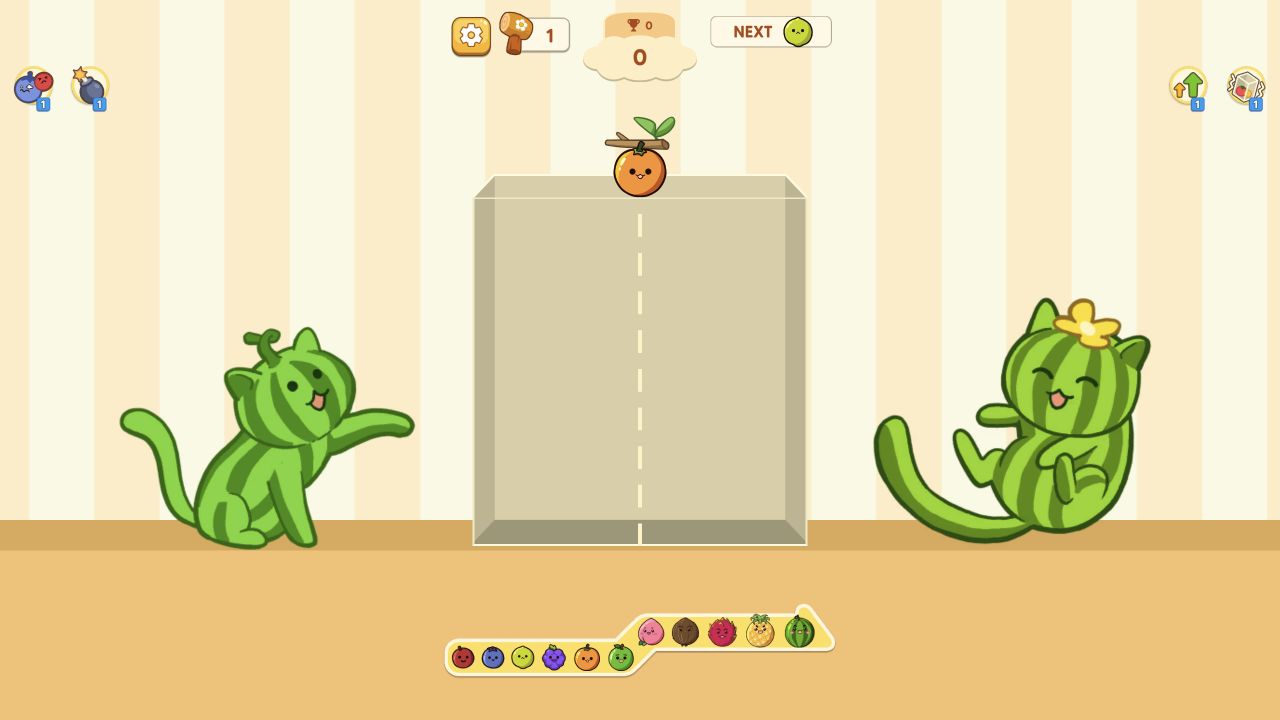
Reading a Merge Board Without Calling It Relaxing
A close look at visible merge information, placement and uncertainty in one documented opening session.
Lists
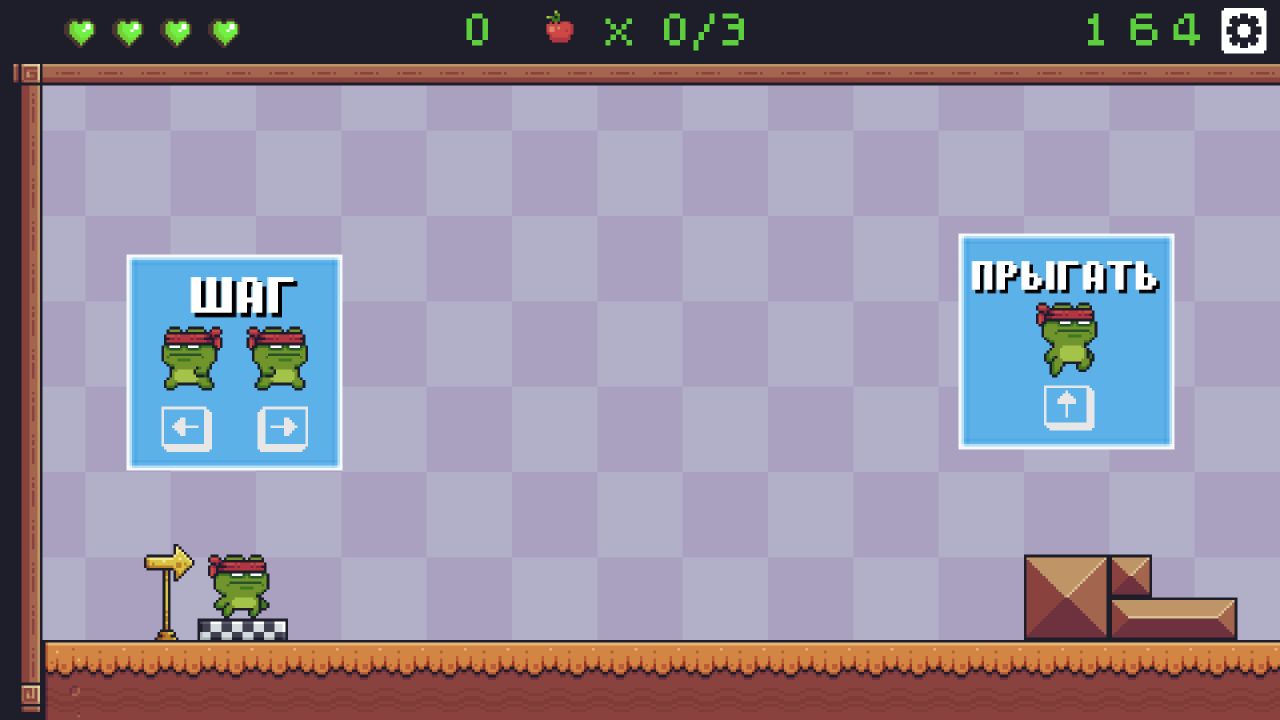
How We Read a Platforming Opening From Evidence
A comparison of tutorial language, live-state feedback and unresolved movement in current platform-style sessions.
Opinion
When to End a Browser-Game Session: Use Visible Stopping Cues
A non-medical stopping checklist based on goals, timers and reproducible input—not claims about the body or brain.