
Robot Unicorn Dash
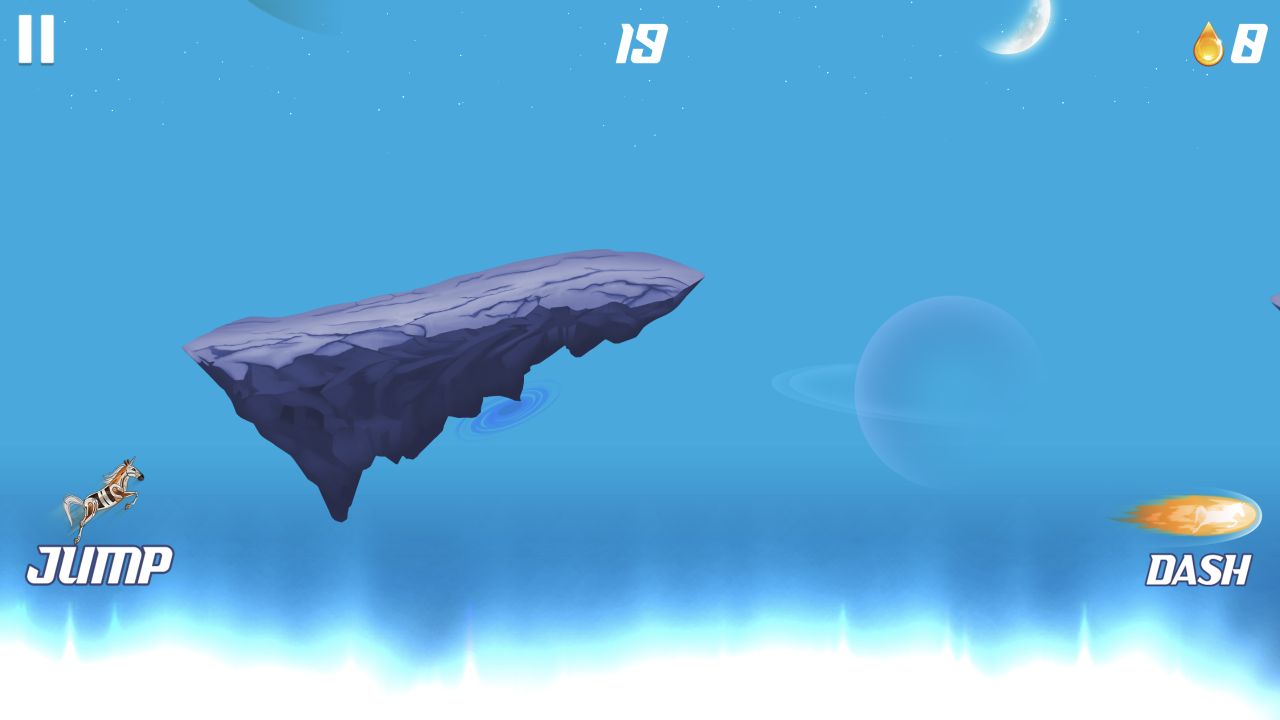
Robot Unicorn Dash is an auto-runner with two clearly separated actions: Jump on the left and Dash on the right. Our live run reached an on-screen count of 19 among floating rock platforms.
Robot Unicorn Dash
Hands-on evidence
What we verified in the browser
Tested August 13, 2026 · Desktop (macOS) · Codex in-app Chromium 151.0.7922.76 · 1280×720
Inputs used
- Click Play Now
- Press Space twice during the live run
Observed result
- The menu opened on a blue planet backdrop with a trophy counter at zero.
- Starting the run transitioned through a paint-splash wipe.
- The live HUD labeled Jump and Dash and the captured run reached 19.
Scope note: only the observations above are our hands-on findings. Developer, device, release, and broader feature details elsewhere on this page come from the game publisher's catalog metadata unless explicitly labelled as tested.
From menu to motion
The game first showed a blue planet backdrop, a large Play Now button, and a trophy counter at zero. Starting did not cut straight to the track. A paint-splash wipe filled the screen, then cleared into the running stage.
The live scene uses a simple visual split. Jump is labelled at the lower-left with a small unicorn icon. Dash is labelled at the lower-right with a fiery projectile-like icon. The runner and floating rock platforms occupy the space between them. That arrangement makes the two actions readable without opening a control menu.
We focused the canvas and sent two Space presses after starting. The captured run later showed 19 at the top center, zero currency at the upper-right, and the unicorn moving among separated platforms. Because the screenshot does not isolate the exact jump arcs caused by those presses, we do not pretend to have measured double-jump timing from a single frame.
The first practical decision
An auto-runner removes forward movement from your workload. The real decision is whether the next gap needs height, a second jump, or a dash through danger. In the tested scene, platforms were separated by open blue space, so reading the next landing zone mattered more than collecting objects.
The publisher says a second tap produces a double jump and dark crystals should be avoided. Those are supplied rules. Our evidence confirms the live Jump and Dash interface, the automatic stage movement, the platform layout, and the running counter; it does not confirm a crystal collision or a completed double-jump sequence.
How to play the opening calmly
Do not spend both actions as soon as the stage starts. Let the first few platforms establish the runner's pace. Use one jump for a normal gap and reserve the second input until you can see that the landing will fall short.
Dash has a different purpose from jump. The icon and publisher description frame it as a forward burst, so it should be tested against a hazard or long horizontal gap, not used automatically whenever it is available.
What the counter tells us
The number 19 appeared in the tested run, but the interface did not label it as seconds, distance, or score. We therefore call it an on-screen count, not a time or final score. That wording may feel cautious, but it keeps the page tied to what the interface actually exposed.
Robot Unicorn Dash is a good candidate for players who want a bright, fast first minute and a two-action control scheme. It is not presented here as a deep progression game because we did not inspect trophies, store items, later environments, or save behavior. The evidence supports the narrower experience: start, survive gaps, read the next platform, and choose between vertical correction and forward burst.
Categories
Arcade, Adventure
Platform
Mobile
Devices
For Android, For IOS
Orientation
Landscape
Blog
More to read between rounds
Six random blog picks from the editorial desk.
Lists
Why No Ragdoll Game Is in Our Current Verified Set
A transparent account of the evidence a ragdoll recommendation would need—and why old picks were removed.
Skill guides
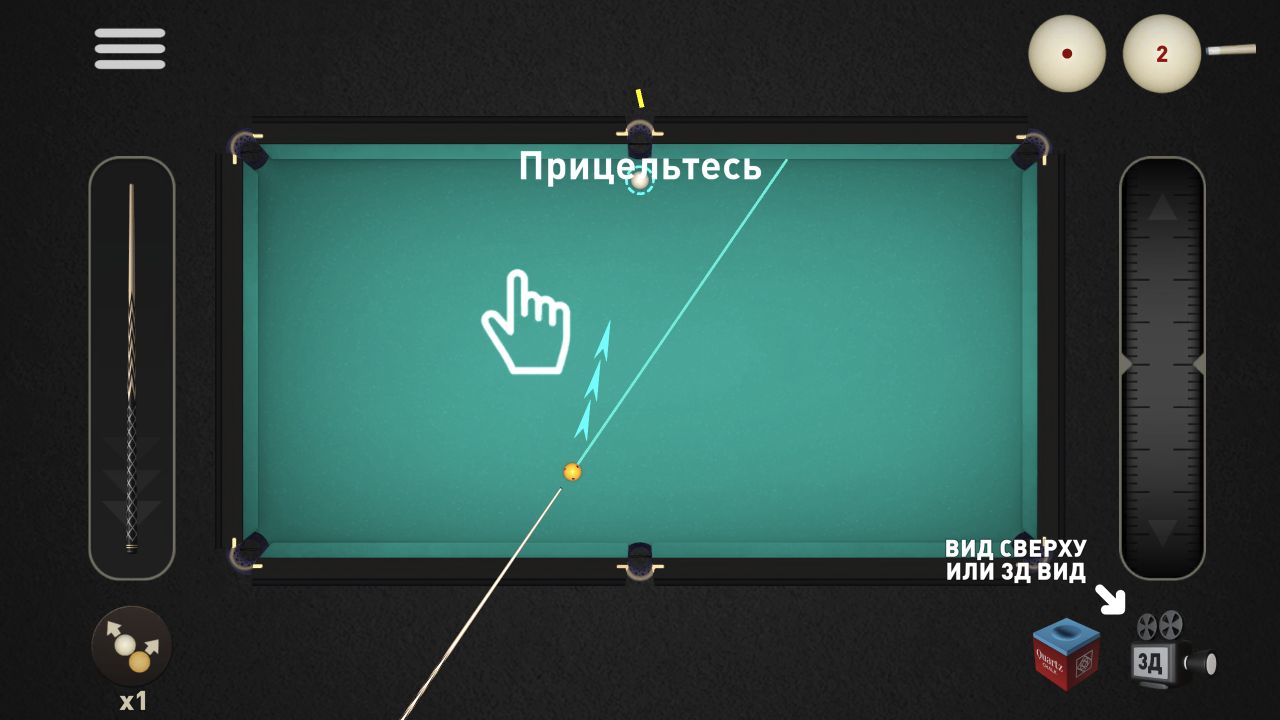
A Browser Aiming Checklist Without Performance Promises
How to document line, power, target and result before turning a first shot into advice.
Guides
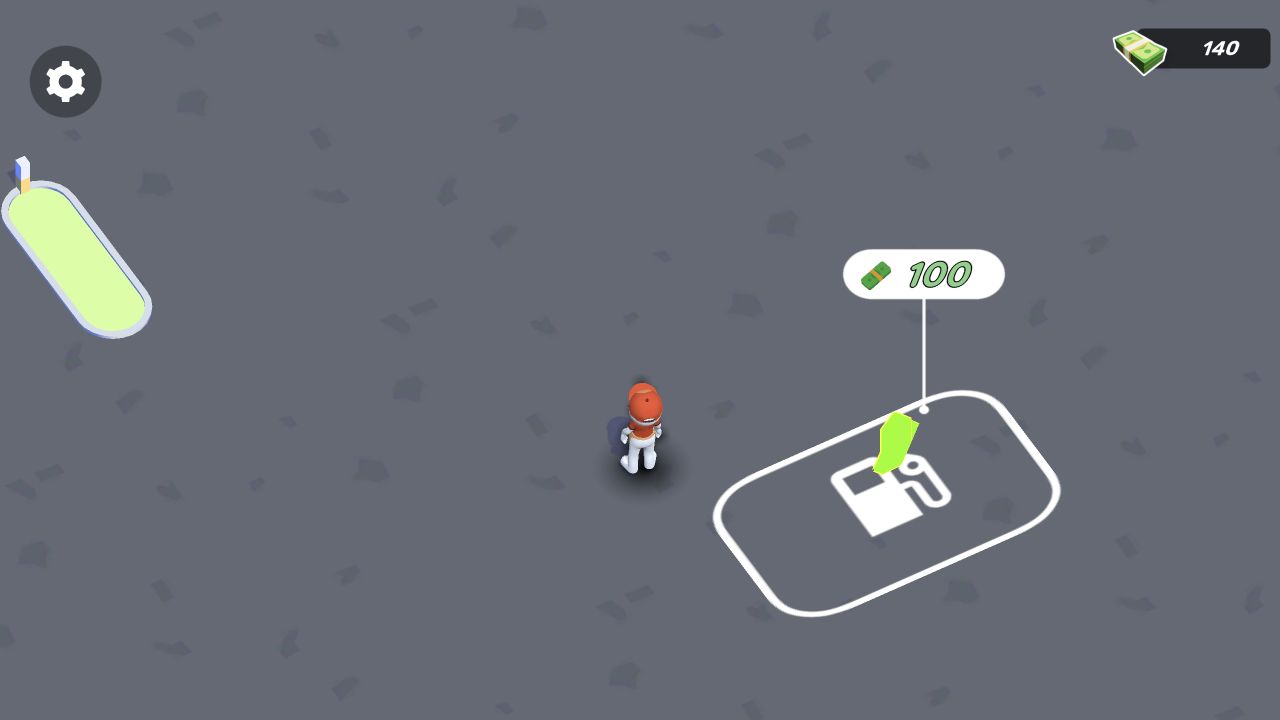
How to Document a Progression System Before Calling It Deep
A resource-and-unlock checklist grounded in visible opening economies.
Guides
Casual or Demanding? Choose by the Next Decision, Not a Player Label
A practical way to compare browser-game openings without making psychological claims about players or moods.
Industry
From Flash Player to Today’s Browser Stack: A Sourced Timeline
A compact technical history linked to primary documentation and current game-session evidence.
Lists
Reading a Merge Board Without Calling It Relaxing
A close look at visible merge information, placement and uncertainty in one documented opening session.